

Share the moment you meet
Show your QR code or tap your NFC card at client consultations and networking events, and clients save your details to their phone.
Digital business cards · For mortgage brokers
Put your phone number, email, website and links on one card that clients open on their phone, no app needed. Share it by QR code, NFC, wallet or email, and update it whenever your details change.
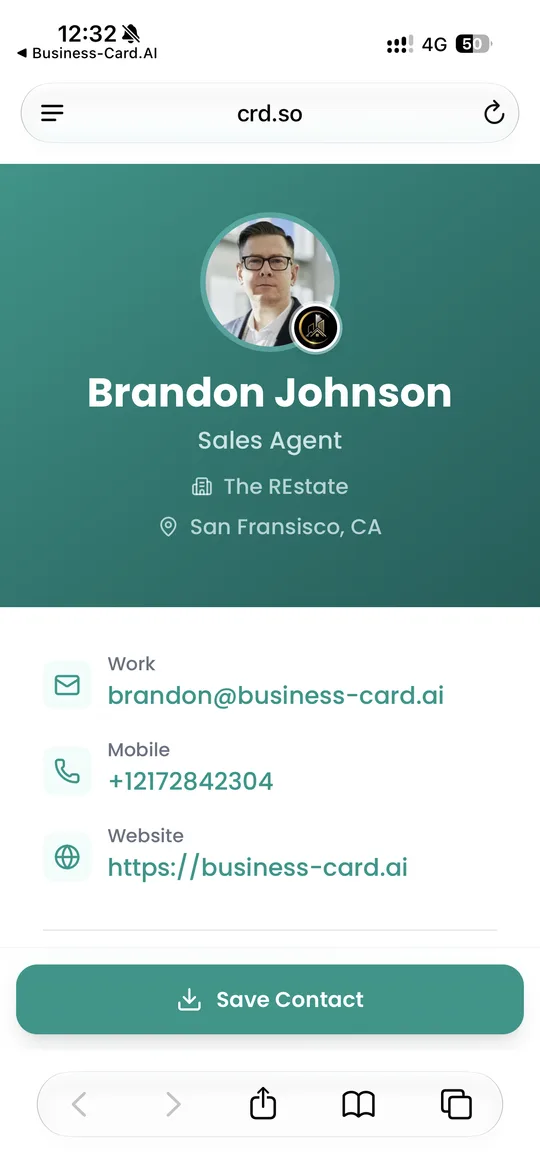
Most of a broker's referrals come from agents and past clients who need your details months later. A digital business card stays in their phone, opens your application link in one tap, and shows your current NMLS or registration number without a reprint.
Show your QR code or tap your NFC card at client consultations and networking events, and clients save your details to their phone.
Change your number, title or links in your account, and the card people already have shows the update. No reprinting.
Give everyone the same logo, colors and layout, and manage every card from one team dashboard.
Start with the details every card needs, then add the ones your clients look for. You can change any of them later.
Pick a layout, then add your photo, colors and logo.
Magazine-style type, numbered sections and quiet rules.
A dark theme with a bold monogram and clear contact rows.
A full-bleed photo header that puts a face to the name.
Layered, translucent panels in your brand colour.
Use whichever way suits the moment. Each one opens the same card, so clients always see your latest details.
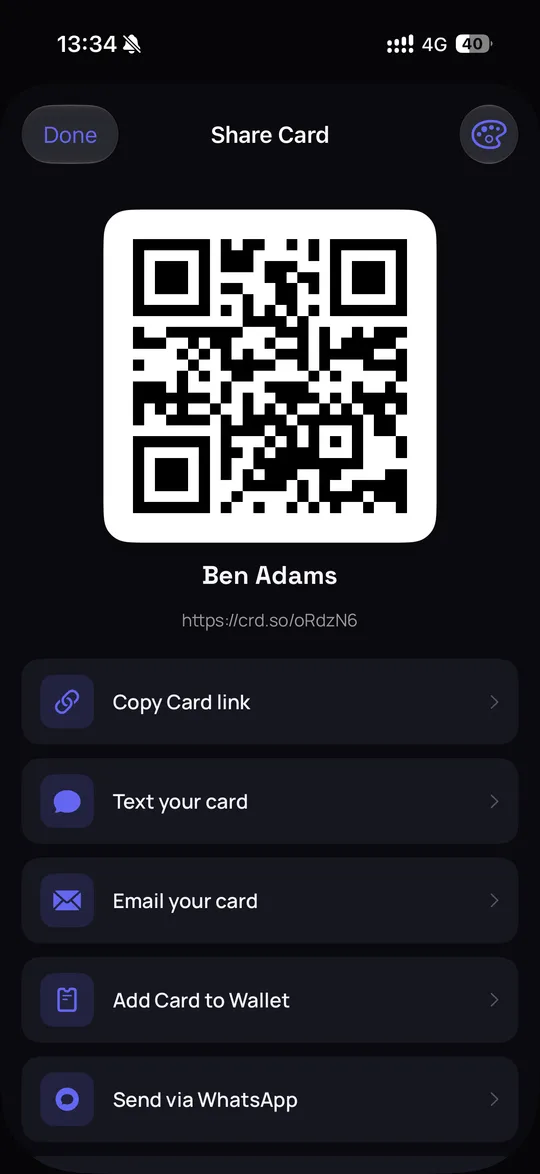
Create your digital business card, then share it by QR code, NFC, Apple Wallet, Google Wallet or email.

AI-powered digital business cards for teams and creators.
Follow us on


Ask AI for a summary about Business Card AI
© 2025 Business Card AI, Inc. — All rights reserved.