AI business card generator
AI business card generator for iPhone and Android
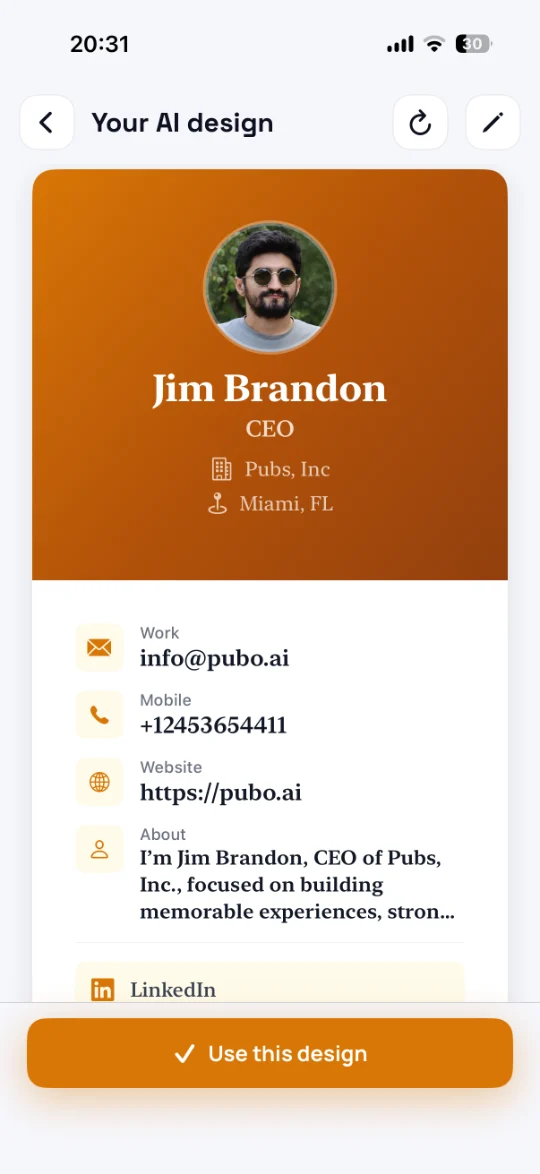
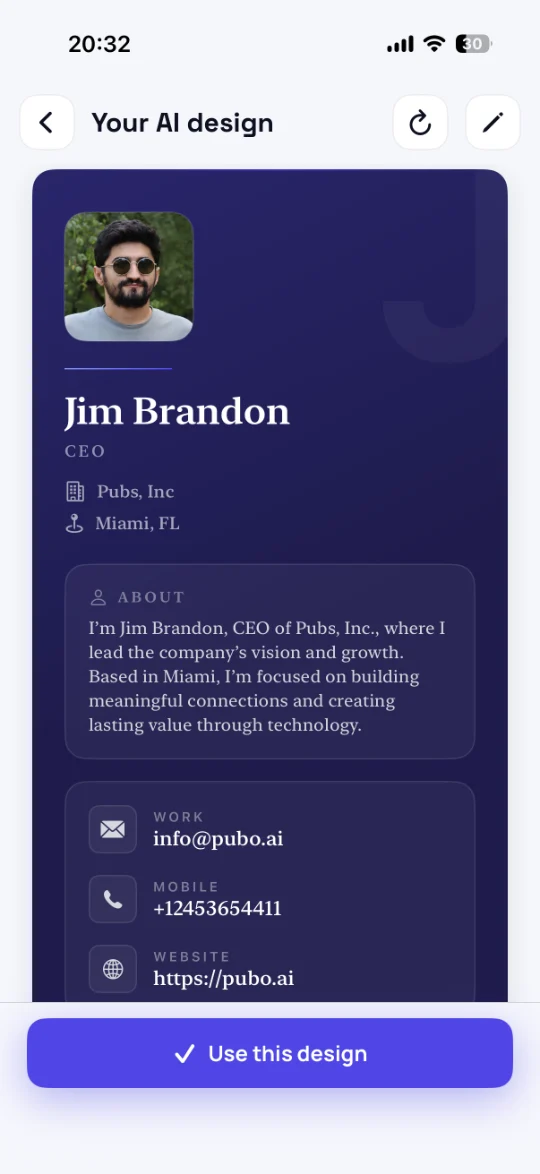
Give the app a few details and it designs your digital business card for you — template, colour, font, a draft bio and the social links worth adding. Approve the design and your card is ready to share with a QR code or a link.
Create your card on the web, then let the app redesign it with AI.
- iPhone & Android
- The app designs it with AI
- You approve every design
01
What an AI business card generator does
An AI business card generator turns your details into a finished card design. In the Business Card AI app for iPhone and Android you enter your name, your role and your links, and AI picks the template, the accent colour and the font, drafts a short bio and recommends which social links to add. You review the result before anything is saved.
- You give it your details — the app does the designing
- AI picks the template, the colour and the font, writes a draft bio and suggests links to add
- Nothing is applied until you approve it
02
Create your card with AI in three steps
Get the app on iPhone or Android, add a few details about yourself, and let AI design the card. The design arrives as a full preview before anything is saved, so you can use it as it is, ask for a different one, or open the editor and change it yourself.
Get the app
Download Business Card AI on iPhone or Android and start creating your card.
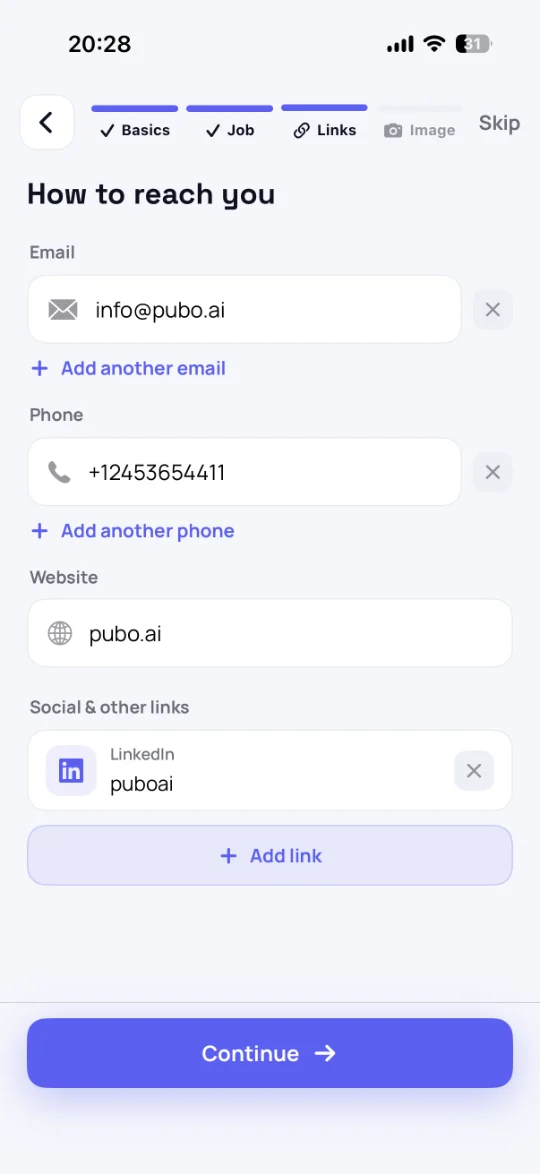
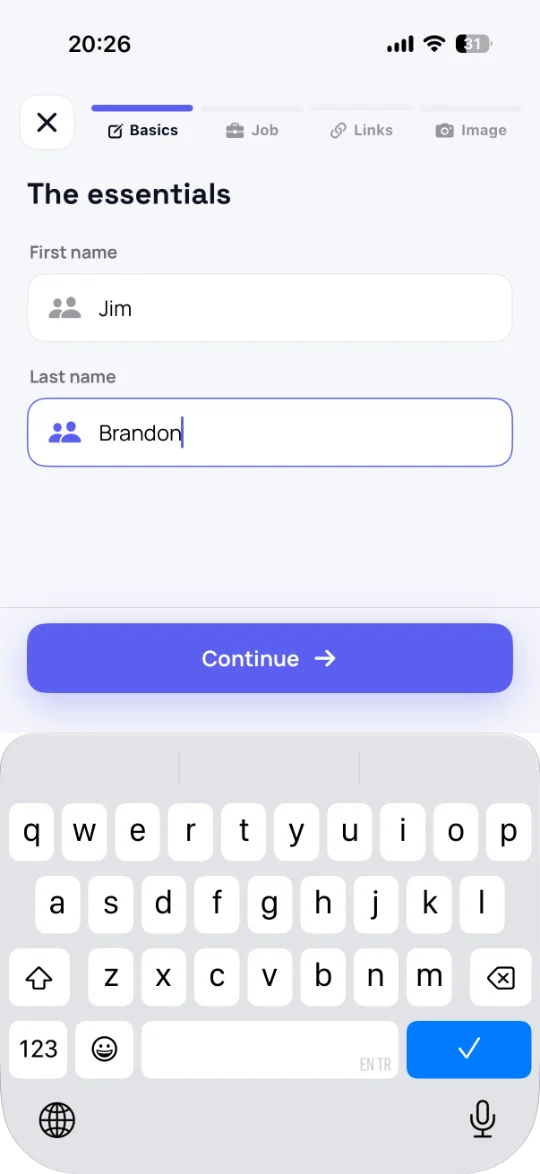
Add a few details
Your name and your role first, then job details, links and a photo. Only the first step is required.
Let AI design it
AI returns a complete card — template, colour, font, a draft bio and the links worth adding. Use that design, ask for another, or fine-tune it in the editor.
Illustrative example — sample data
03
The app designs it, you stay in control
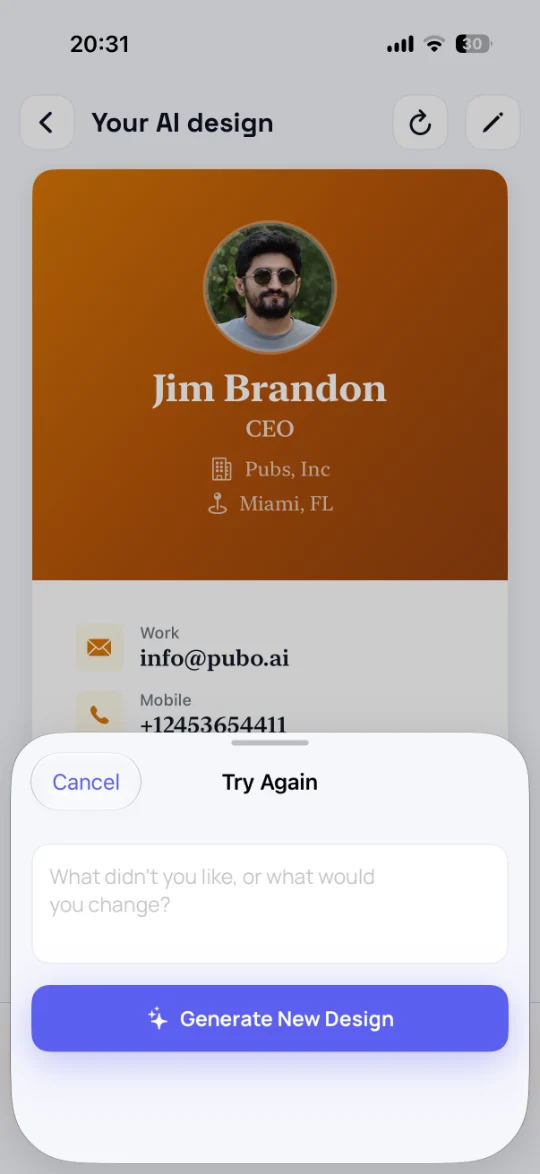
The AI design arrives as a suggestion, not a decision. Every pick is visible in the preview before you accept it. Tell the app what you would change and it designs again, or open the editor and set the template, colour and font yourself. Your own details stay exactly as you entered them.
- See the whole card before you accept the design
- Say what you would change and get a new design
- Or set the template, colour and font yourself
04
Share, update and measure your card on the web
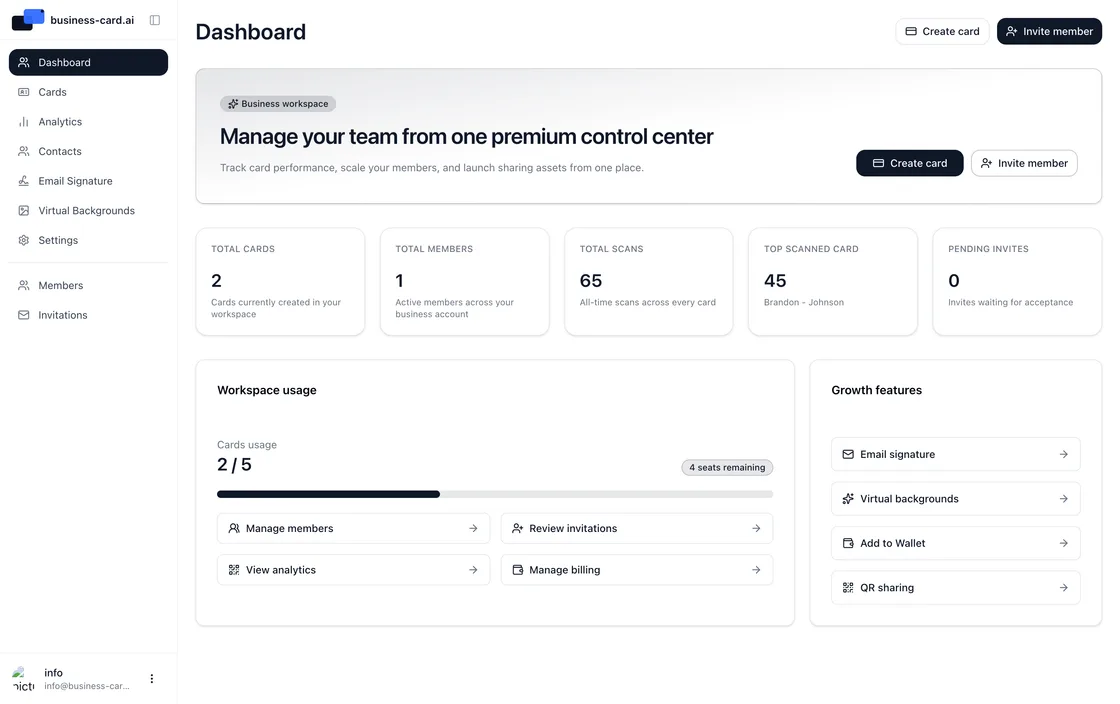
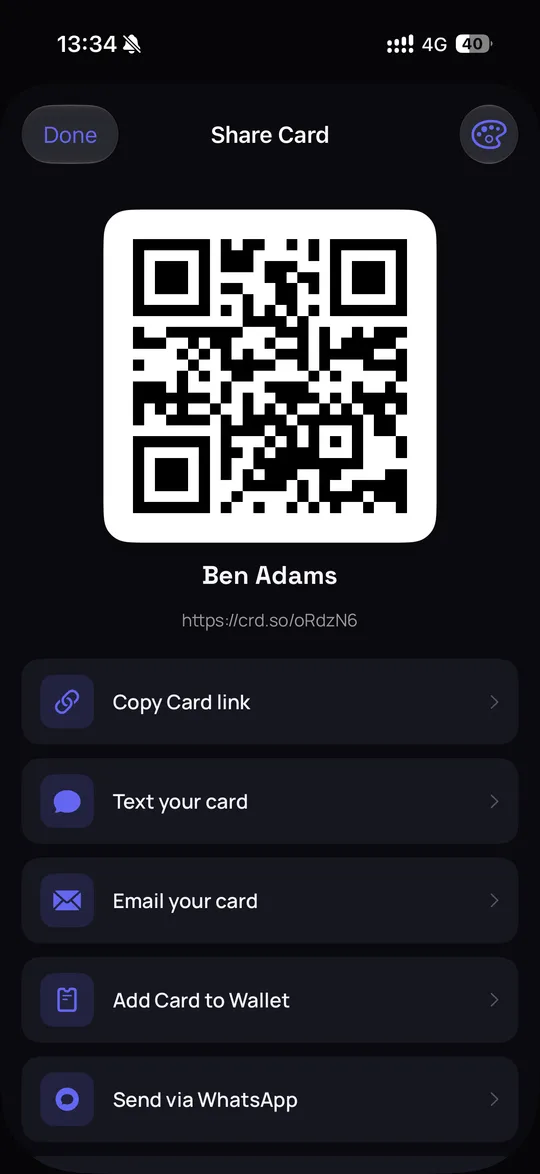
Once your card exists, the web is where you keep it current. Edit the details, share the card with its QR code or its link, add it to Apple Wallet or Google Wallet, put it in your email signature, and see how often your card is opened and which links people tap.
- Edit your card and share it with a QR code or a link
- Add it to Apple Wallet or Google Wallet
- See how often your card is opened
05
Where AI card creation works today
AI card creation lives in the apps. The iPhone and Android app designs your card with AI; on the web you create and edit cards yourself, and AI creation on the web is coming. Everything else — sharing, wallet passes, your email signature and your card analytics — works in the app and on the web.
- AI design: the iPhone and Android app
- Create and edit by hand: the web and the app
- AI creation on the web: coming
FAQs
Let AI design your business card
Add a few details in the app and get a card you can share with a QR code or a link — then keep it up to date from the web.